Roku Screen Mirroring

Roku screen mirroring, explained.

Step-by-step guides for mirroring an Android phone to any Roku — Express, Streaming Stick, 4K models, Ultra and every brand of Roku TV — plus fixes for when it won't connect.

How to mirror Android to RokuDoes my Roku support it?
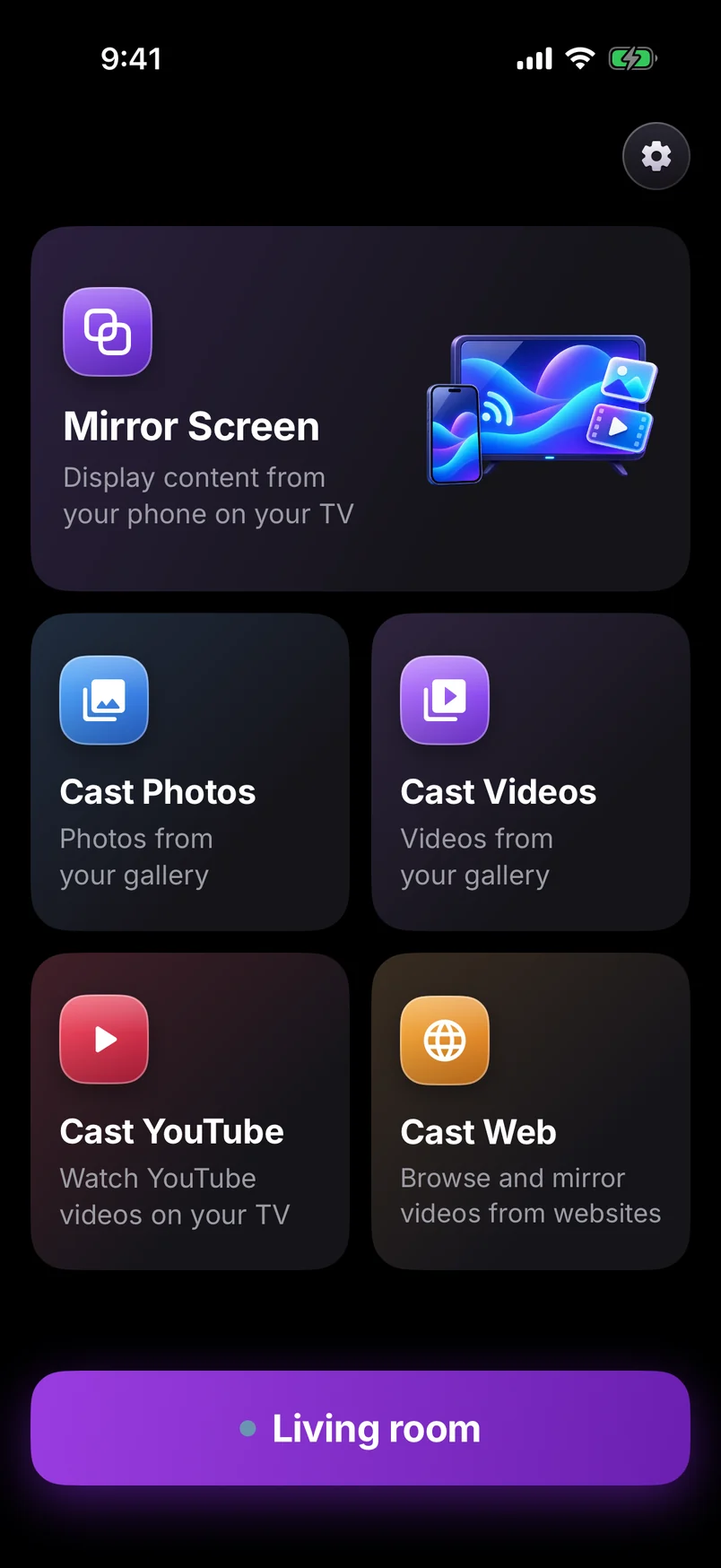
Screen mirroring app home connected to the Living room TV
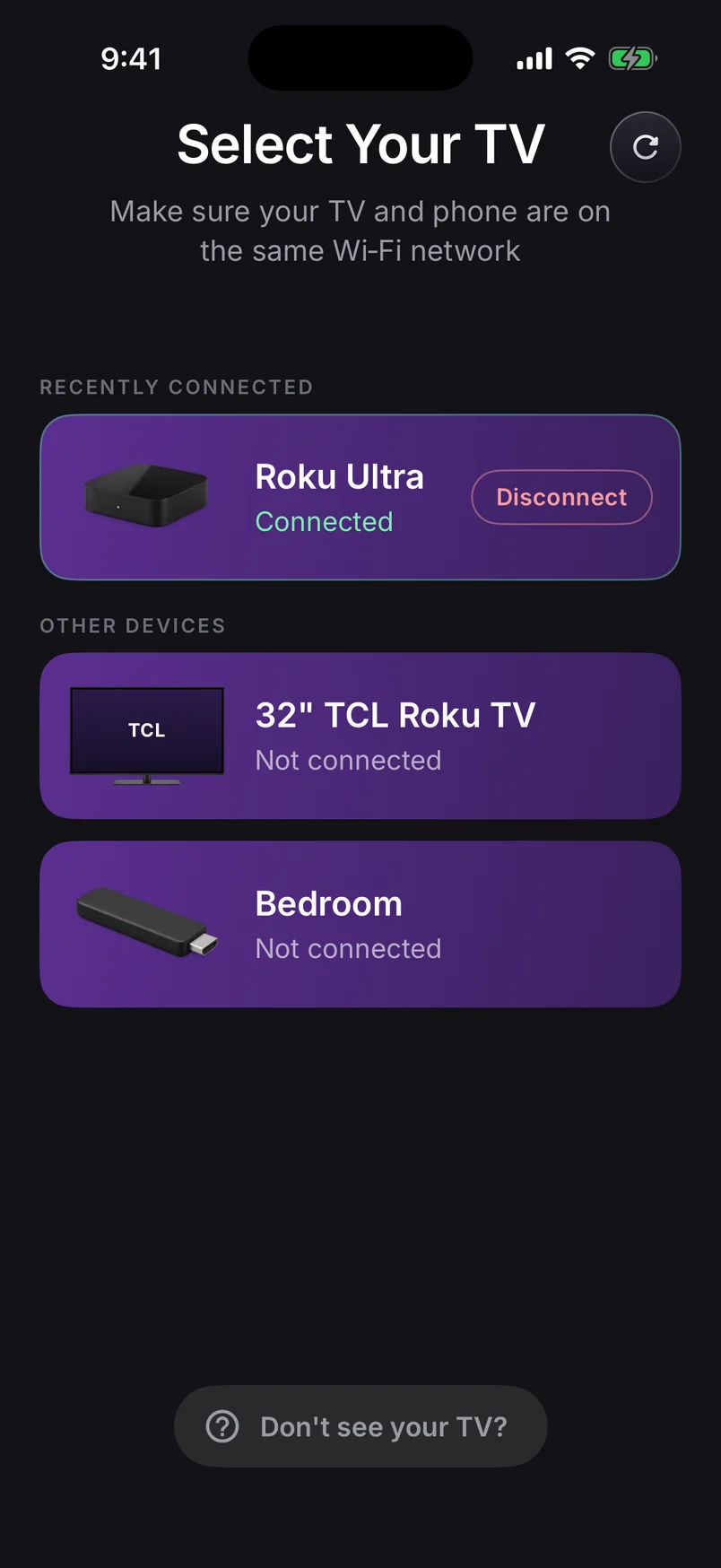
Select Your TV: a Roku Ultra connected, with a 32-inch TCL Roku TV and a Bedroom stick on the same Wi-Fi

Does it work with my Roku?

Short answer: yes. Our app sends your screen to a free companion channel on the Roku, so it works on every Roku TV and current Roku player — including models and phones that can't use Roku's built-in mirroring.

Roku TV (every brand)
TCL, Hisense, onn., Sharp, Philips, Westinghouse, JVC, Pioneer and Roku-made TVs
Works

Every Roku TV can run the free companion channel, so any Android phone can mirror to it — sound included on Android 10+.

Roku TV guide →
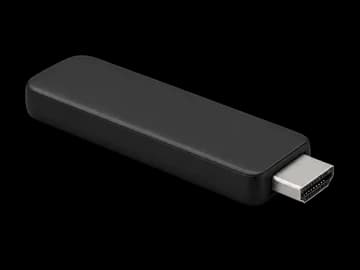
Roku Streaming Stick & Stick Plus (2025)
3840 (HD) · 3830 Plus (4K)
Works

Roku's current sticks run the companion channel without a hitch. Keep the stick's Wi-Fi signal strong for a smooth picture.

Streaming Stick guide →
Roku Streaming Stick 4K & older sticks
4K 3820 · 4K+ 3821 · Stick+ 3810/3811 · Stick 3800
Works

Mirrors in up to 1080p, upscaled by your 4K TV. Cast a photo or video instead for the sharpest picture.

Streaming Stick 4K guide →
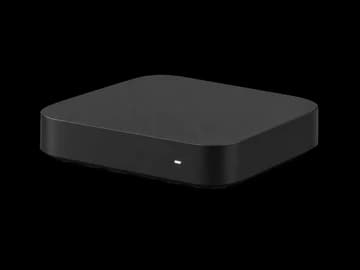
Roku Express & Express+
3960 · 3930 · 3900 · 3700 · Express+ 3931, 3910, 3710
Works — even 3700/3710

Works on every Express, including the 3700 and 3710 that never had Roku's built-in mirroring. Older Express hardware uses a lighter picture setting to stay smooth.

Roku Express guide →
Roku Express 4K & 4K+
3940 · 3941
Works

Mirrors in up to 1080p, upscaled by your 4K TV. Cast a photo or video instead for the sharpest picture.

Express 4K guide →
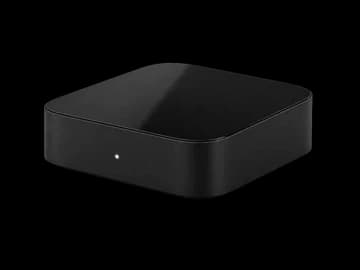
Roku Ultra
4850 (2024) · 4802 · 4800 · 4670 · 4660 · 4640
Works best

The fastest Roku for mirroring. Plug in Ethernet and you get the lowest delay and the sharpest picture.

Roku Ultra guide →
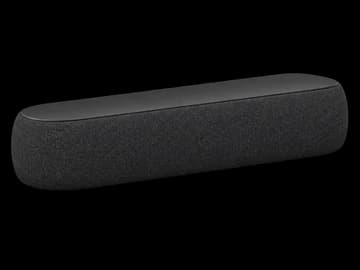
Roku Streambar
Streambar SE 9104 · Streambar 9102 · Streambar Pro 9101
Works

Works like any Roku player, and mirrored sound plays through the Streambar's speakers.

Streambar guide →
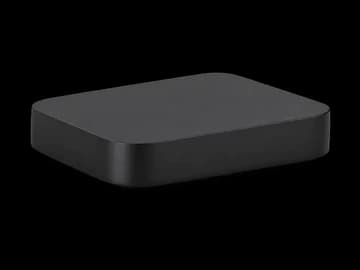
Older Roku players
Premiere 3920/4620 · Premiere+ 3921/4630 · Roku 2, 3, 4
Most models

Works on players that still get Roku software updates, like the Premiere. Players too old to add channels from the Roku store can't install the companion channel.

Older Roku guide →

All Roku screen mirroring guides

Guide

How to screen mirror an Android phone to a Roku TV

The complete, step-by-step way to put your Android phone's screen on any Roku TV or streaming stick — with sound, without cables, and in about a minute.

· 7 min read
Compatibility

Which Roku devices support screen mirroring? Every model, explained

Roku Express, Streaming Stick, 4K models, Ultra, Streambar and every Roku TV — which can mirror an Android phone, and the few that need a workaround.

· 8 min read
Compatibility

How to screen mirror to a Roku Express — even older models

Every Roku Express can show your Android screen, including the 3700 and 3710 that never had Roku's built-in mirroring. Here's the setup and what quality to expect.

· 6 min read
Compatibility

Screen mirroring to a Roku Streaming Stick: setup and tips

Mirror your Android phone to a Roku Streaming Stick, Stick 4K or Stick Plus — how to set it up, and how to keep the picture smooth on a stick tucked behind the TV.

· 6 min read
Compatibility

Screen mirroring on Roku 4K devices: what quality to expect

Own a Roku 4K stick, Express 4K+, Ultra or 4K Roku TV? What resolution phone mirroring really runs at, when you get true 4K, and how to get the sharpest picture.

· 6 min read
Compatibility

Screen mirroring to a Roku Ultra: the smoothest setup

The Roku Ultra is the best Roku for mirroring a phone. How to set it up, why Ethernet helps, and the settings that give the lowest delay and the sharpest picture.

· 5 min read
Compatibility

How to screen mirror to a Roku TV (TCL, Hisense, onn. and more)

TCL, Hisense, onn., Sharp, Philips, Westinghouse, JVC or a Roku-made TV — if it says Roku TV, here's how to mirror your Android phone to it, step by step.

· 6 min read
Guide

Can you screen mirror a Google Pixel to a Roku? Yes — here's how

Pixel phones can't use Roku's built-in screen mirroring, which is why your Roku never shows up. Here's why, and the simple way to mirror a Pixel to Roku anyway.

· 5 min read
Troubleshooting

Roku screen mirroring not working? 9 fixes that actually help

TV not found, no sound, a black screen on Netflix, or a laggy picture — the real causes of Roku mirroring problems and the fix for each, in the order to try them.

· 7 min read
Guide

Casting vs. mirroring: what's the difference?

The two terms get used interchangeably, but they work differently. Here's when to use each.

· 4 min read
Tips

5 clever ways to use screen mirroring at home

Beyond holiday photos — creative ways people use casting for work, workouts, and family time.

· 3 min read

Quick answers

Can I screen mirror an Android phone to any Roku?

With our app, yes: every Roku TV and every Roku player that can add channels from the Roku store, including the Express 3700 and 3710 that have no built-in mirroring. Your phone needs Android 8.0 or later and the same Wi-Fi as the Roku.

Do I need Miracast or Smart View?

Not with our app. Roku's built-in mirroring needs a phone with Miracast (often called Smart View or Wireless display), which Google Pixel phones don't have. Our app uses your Wi-Fi network instead, so it works on Pixel, Samsung, Motorola and other Android phones.

Will I hear sound on the TV?

Yes, on Android 10 and later with the Screen + Sound mode. Instant Video mode keeps sound on the phone in exchange for the lowest delay.

Why is Netflix black when I mirror it?

Netflix and many other streaming apps block screen capture to protect their videos. That's the app's choice, not a fault — watch them in their own Roku channel instead.

Is screen mirroring to Roku free?

Roku's built-in mirroring is free. Our app and its Roku channel are free to download; some extra features need a Pro plan.

Roku Screen Mirroring
4.7 · Free on Android & iOS

Cast your screen, photos and videos to any Roku TV.

  • Works with every Roku TV and Roku player — no Miracast needed
  • Mirror your whole screen, with sound on Android 10+
  • Cast photos, videos, YouTube and web video
  • Finds your TV by itself — no codes to type
Screen mirroring app home connected to the Living room TV
Select Your TV: a Roku Ultra connected, with a 32-inch TCL Roku TV and a Bedroom stick on the same Wi-Fi