Lost your Roku remote? How to control your Roku without one
Remote missing, broken or out of batteries? How to control your Roku from your phone, plus the trick for when the Roku isn't on Wi-Fi yet.
RRemote Cast Labs Team · · 6 min read
In this articleexpand_more
Remotes vanish into sofas, get chewed by dogs and run out of batteries at the worst moment. Here's every way to keep watching, starting with the fastest.
If your Roku is on your Wi-Fi: use your phone
This covers most situations — the Roku hasn't moved and your Wi-Fi hasn't changed.
1
Install a Roku remote appRoku's official app or a dedicated remote like ours. Both are free to use.
2
Join the same Wi-Fi as the RokuNot a guest network, and with any VPN switched off.
3
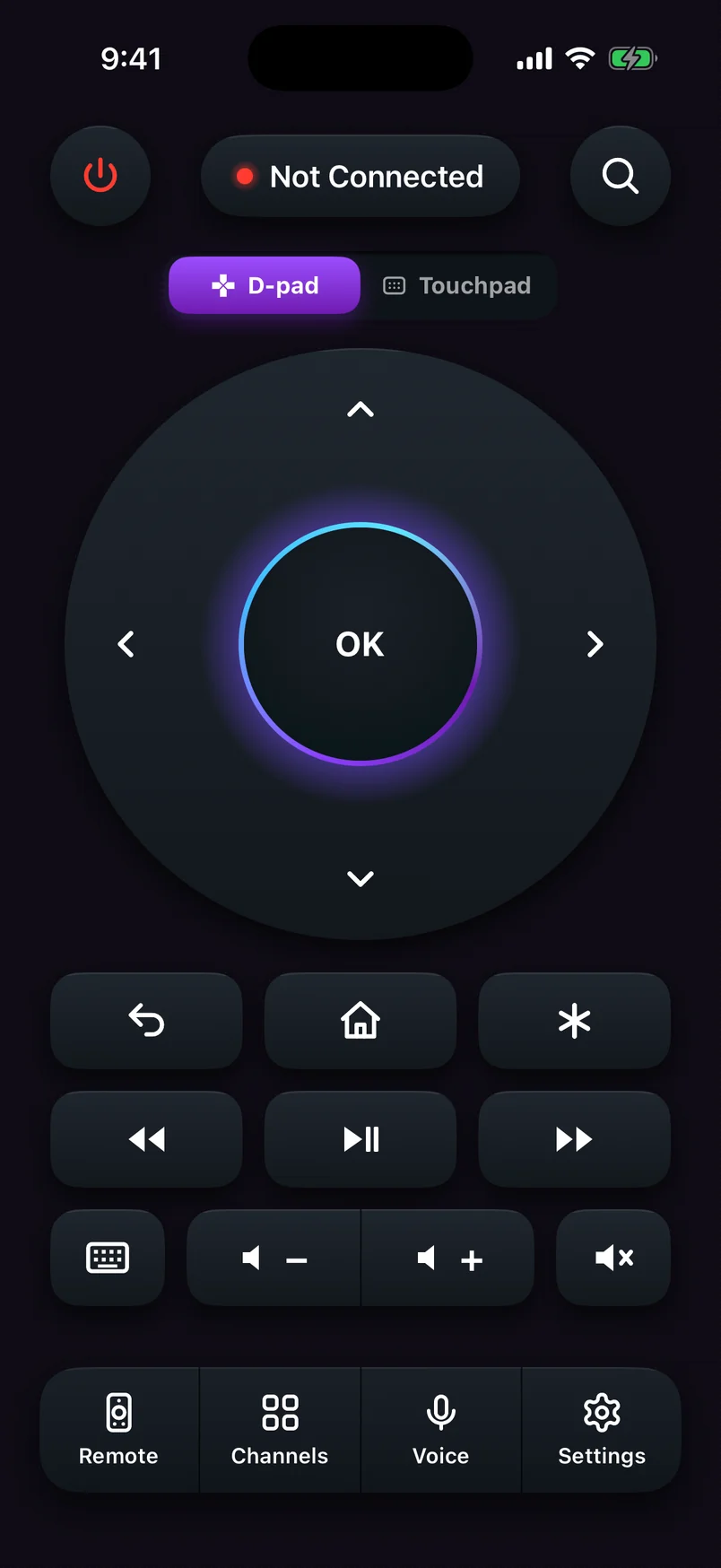
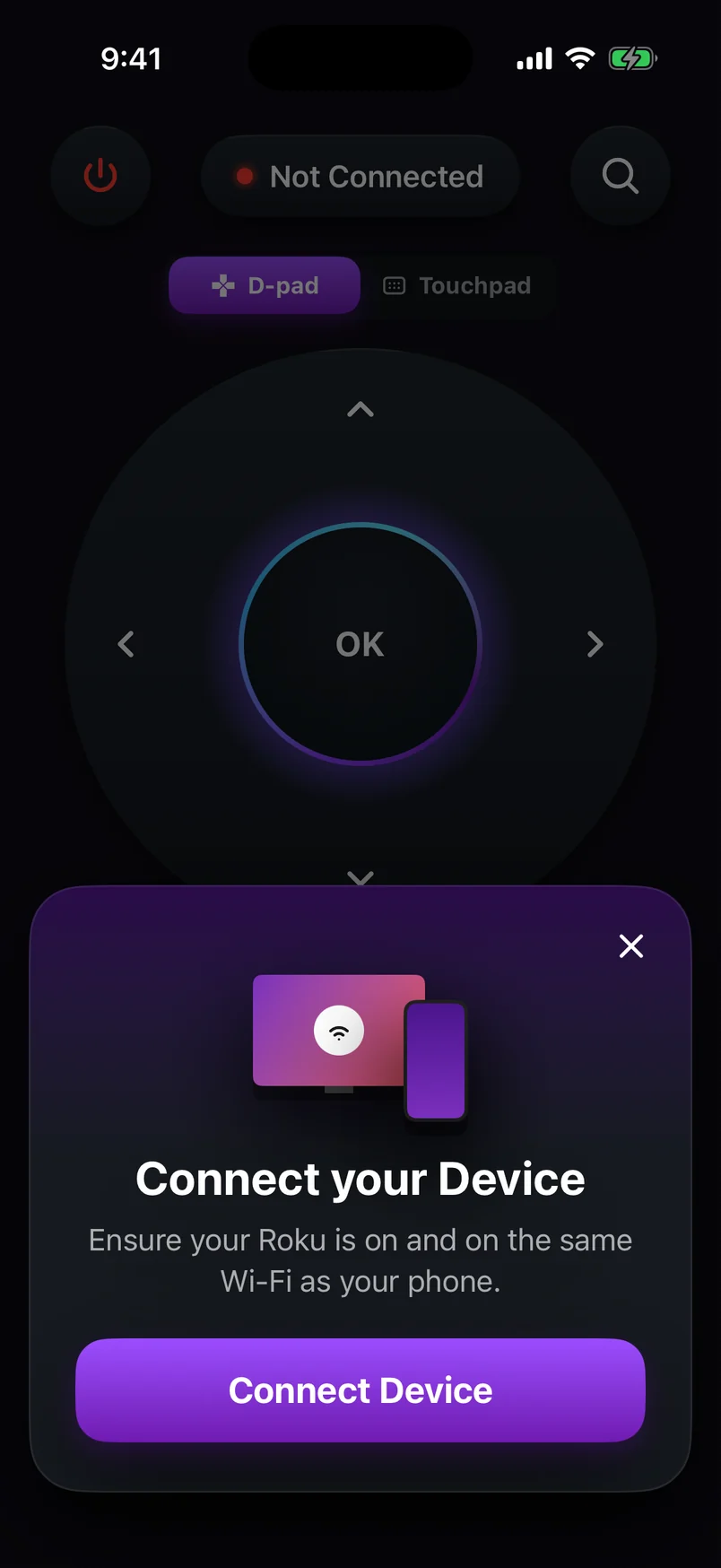
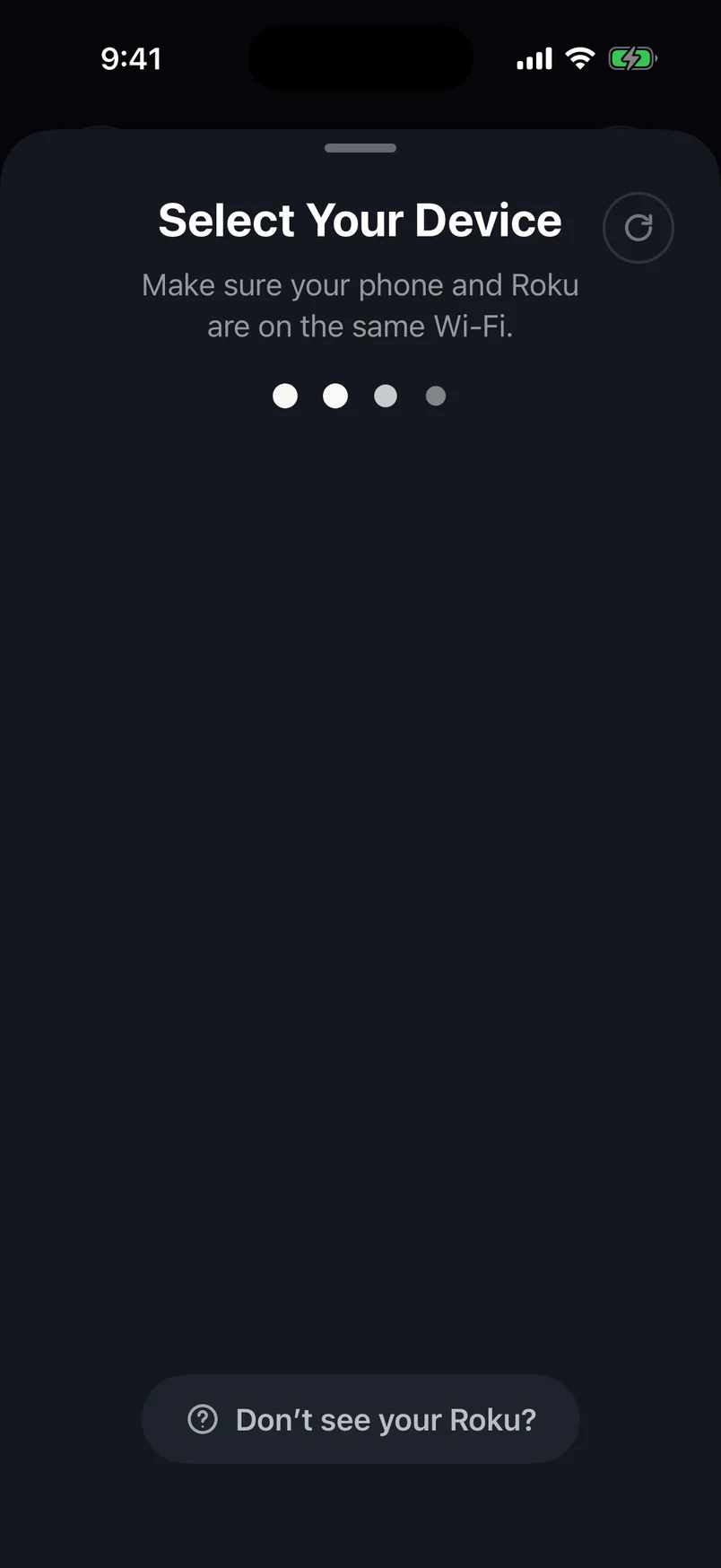
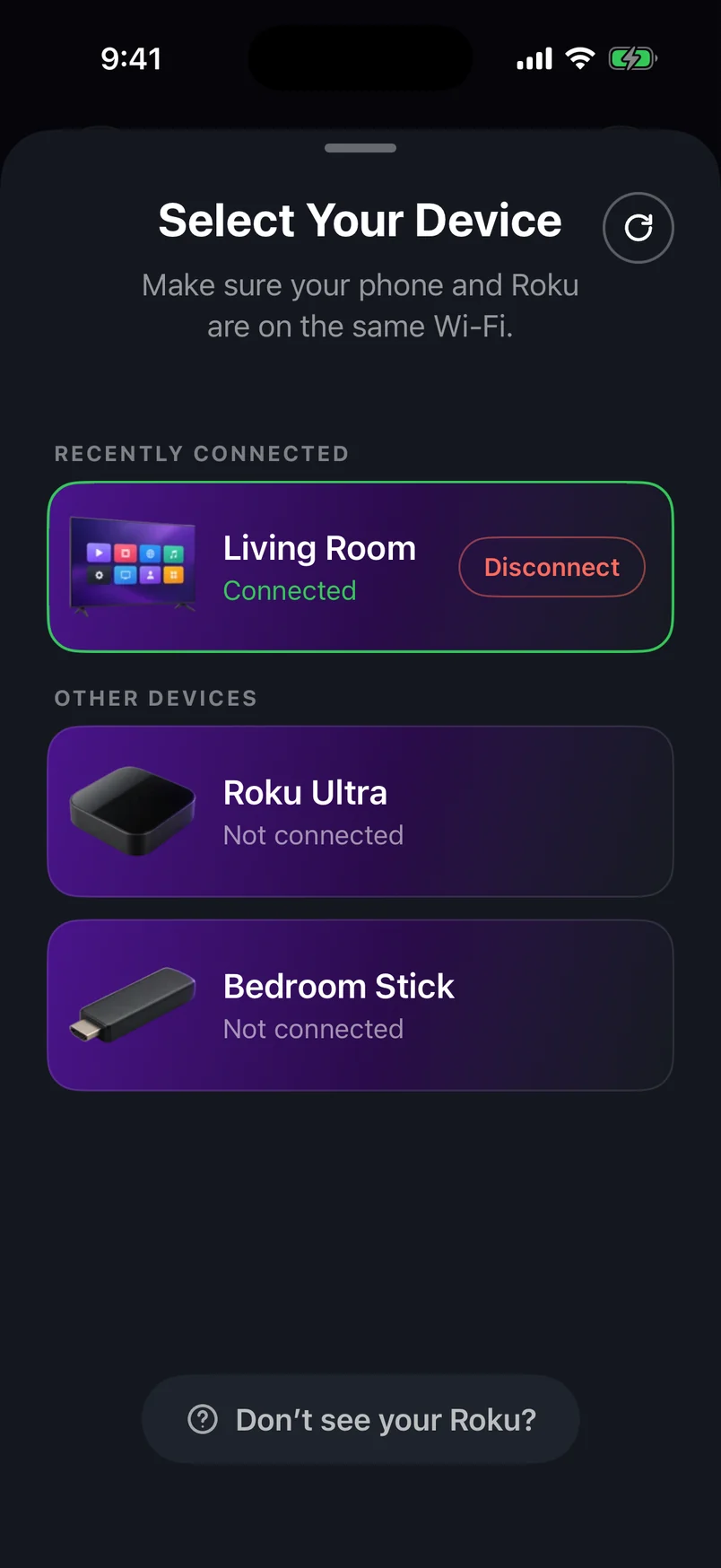
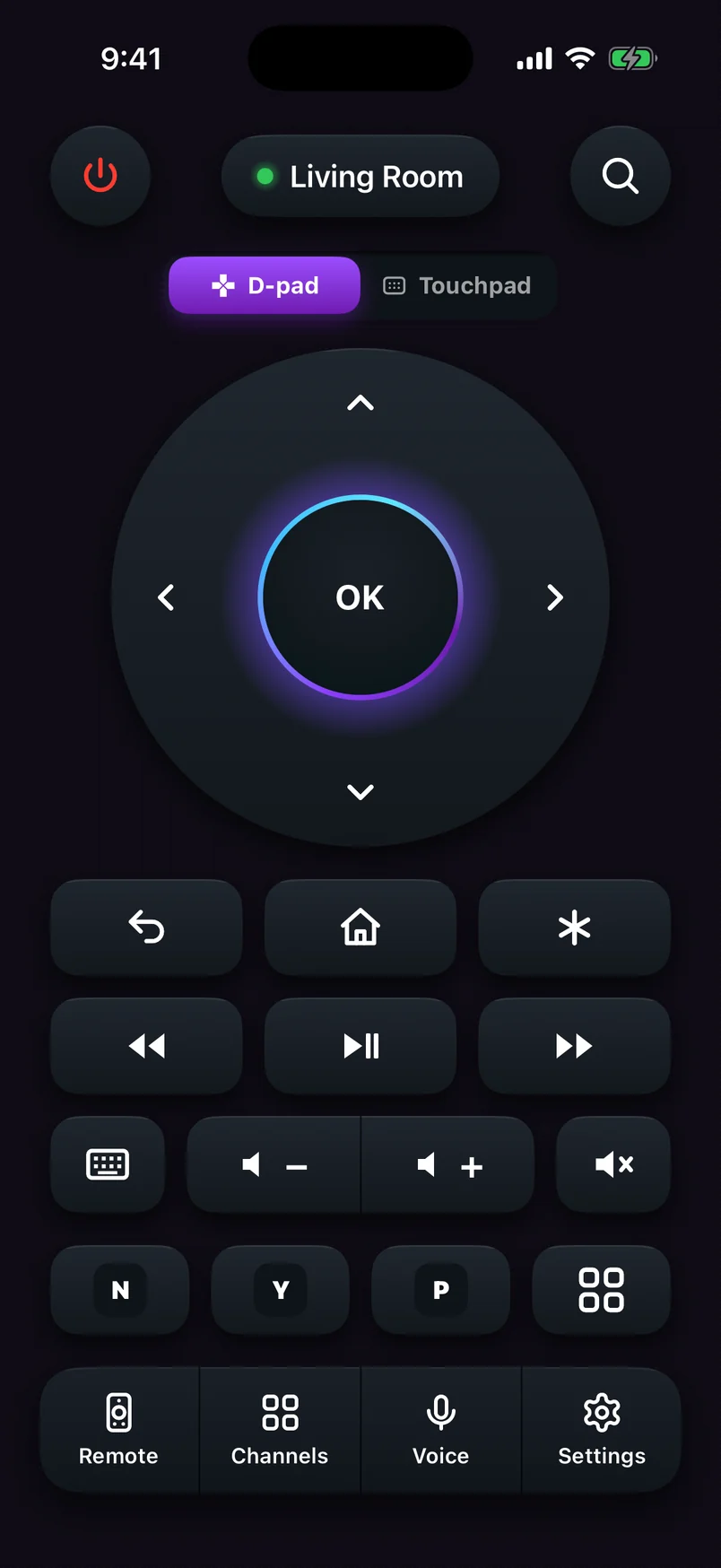
Open the app and tap your RokuIt finds the Roku by itself. Press Home to check it's working.
Step 1 of 5
Choose a step, use the arrows, or swipe the phone. Play to advance automatically.
Step 1 of 5: Open the remote app
Swipe to move, tap to select
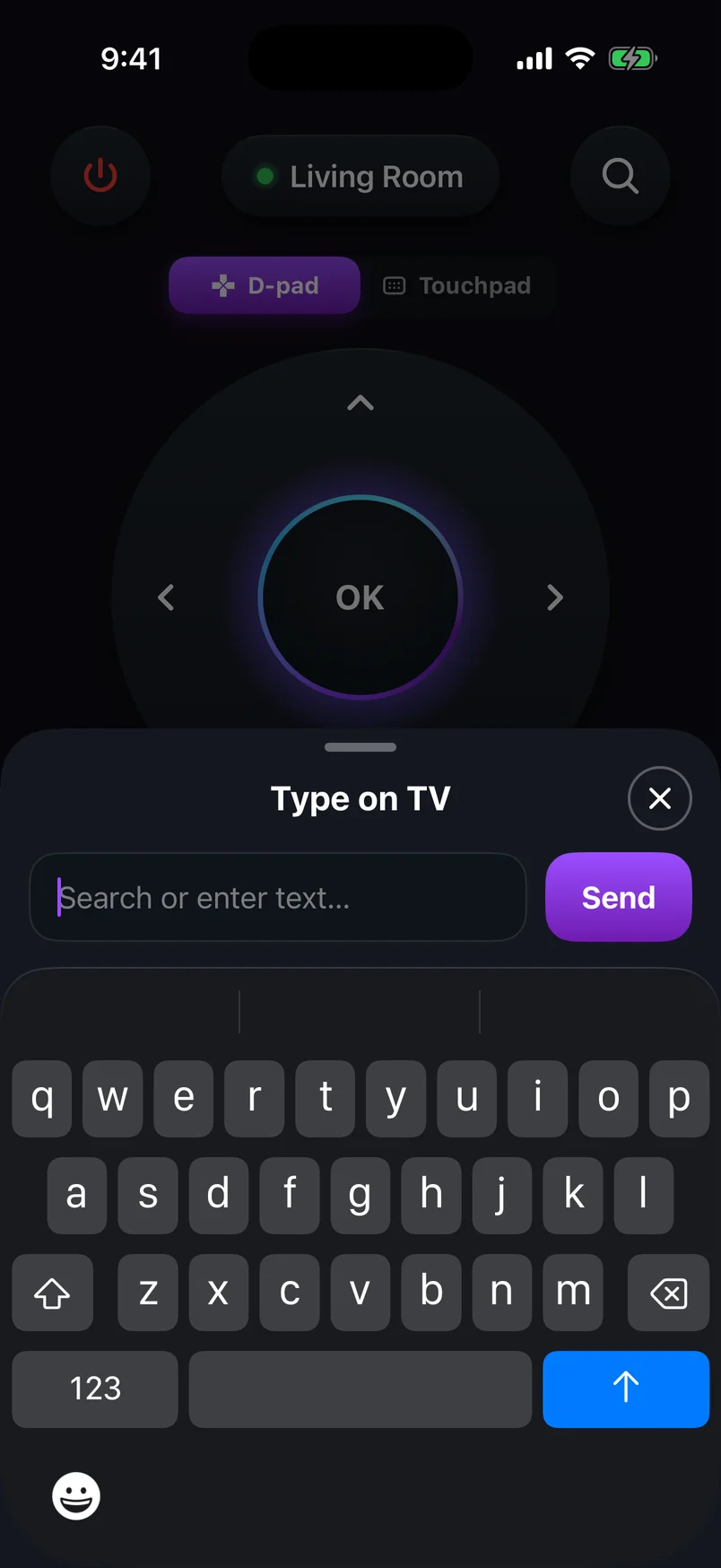
Type with your phone's keyboard
warning
Buttons don't respond?Roku's Control by mobile apps setting is probably set to Limited, which blocks button presses from apps. Change Settingschevron_rightSystemchevron_rightAdvanced system settingschevron_rightControl by mobile apps to Enabled once, using a Roku TV's own buttons or a borrowed Roku remote — a simple infrared Roku remote works with most players without pairing. More in our connection troubleshooting guide.
If your Roku isn't on Wi-Fi yet: the hotspot trick
A phone remote needs the Roku on the network, and changing networks normally needs a remote. To break the loop, make the Roku think its old network is back:
1
Create a hotspot on phone #1Give it the exact name and password of the Wi-Fi network the Roku last used. Capital letters count.
2
Restart the RokuUnplug it for 10 seconds. When it starts, it joins the hotspot automatically.
3
Connect phone #2 to that hotspotOpen a Roku remote app on it — the Roku appears in the list.
4
Move the Roku to your real networkUse the app to go to Settingschevron_rightNetworkchevron_rightSet up connectionchevron_rightWireless, pick your new Wi-Fi and type the password with the app's keyboard. Then switch the hotspot off.
info
Only one phone?Some phones can't connect to their own hotspot. Borrow a second phone or tablet, or use a laptop to create the hotspot instead.
Use the TV's own buttons (Roku TVs)
Roku TVs have a small button or joystick, usually under the bottom edge or on the back. It typically handles power, input and basic navigation — enough to reach a menu in a pinch, though slow for anything else.
Find or replace the remote
Find it
check_circleRoku Ultra: press the lost-remote finder button on the player, if your model has one — compatible remotes play a sound.
check_circleVoice Remote Pro owners can ask “Hey Roku, where's my remote?” if hands-free voice is on.
check_circleCheck sofa cushions, under the TV stand and in the laundry. Seriously.
Replace it
Remote
Works with
Notes
Roku simple remote
Most Roku players
Infrared — point it at the Roku
Roku voice remote
Most Roku players
Point anywhere; needs pairing
Roku TV remote
Roku TVs
Choose one listed for your TV brand to keep power and volume
How do I control my Roku without a remote or Wi-Fi?expand_more
On a Roku TV you can use the buttons on the TV itself for basic navigation. For a Roku stick or box, you need some network: make a phone hotspot with the Roku's old Wi-Fi name and password so it reconnects, then control it from a second phone.
How do I connect my Roku to new Wi-Fi without a remote?expand_more
Create a hotspot on one phone using the exact name and password of the Wi-Fi the Roku last used, connect a second phone to that hotspot, open a Roku remote app on it, then go to Settings › Network on the Roku and choose your new network.
Can I use my phone as a Roku remote without the app?expand_more
You need an app — Roku's official app or a third-party remote. Some phones with an infrared blaster can also act as a universal IR remote for older Roku players.
Can I buy a replacement Roku remote?expand_more
Yes. Roku sells replacement simple and voice remotes, and most work with any Roku player. Roku TVs often need a TV-specific remote to keep TV power and volume buttons working.
Remote Cast Labs is an independent developer and is not affiliated with, endorsed or sponsored by Roku, Inc. Roku, Roku TV, Roku Express, Roku Streaming Stick, Roku Ultra and Roku Streambar are trademarks of Roku, Inc. Other product names belong to their owners.
Roku TV Remote
star 4.8 · Free on Android & iOS
Control your Roku from anywhere in the room.
check_circleFull remote: D-pad or touchpad, playback, volume and power
check_circleType on your TV with your phone's keyboard
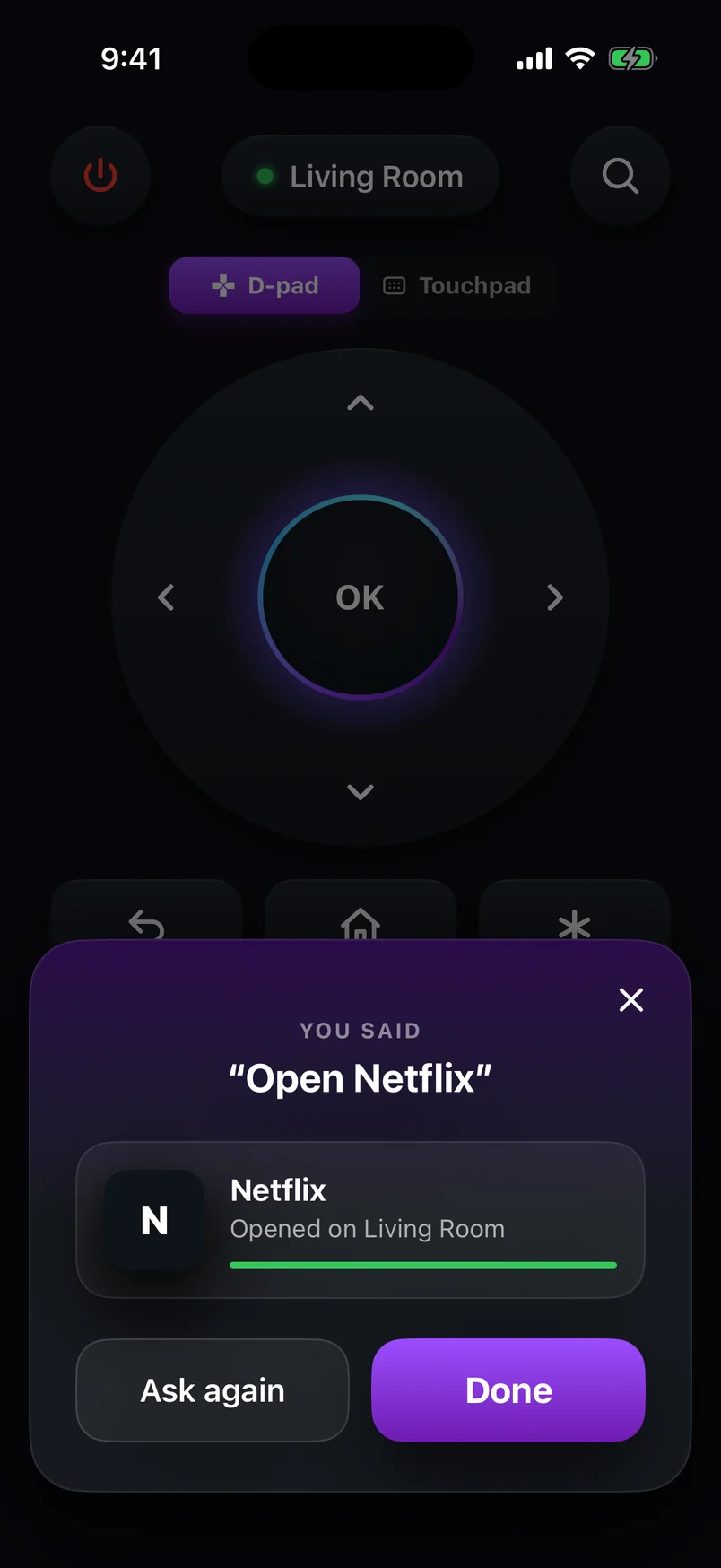
check_circleVoice commands like “Open Netflix” or “Volume up”